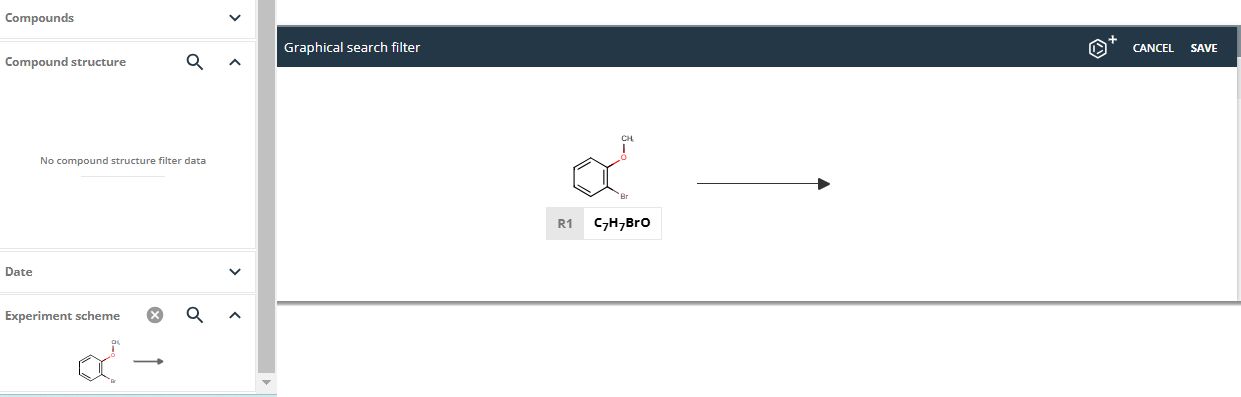
You can get the list of experiments just by selecting 'Experiment Search' from the Desk scroll down menu:

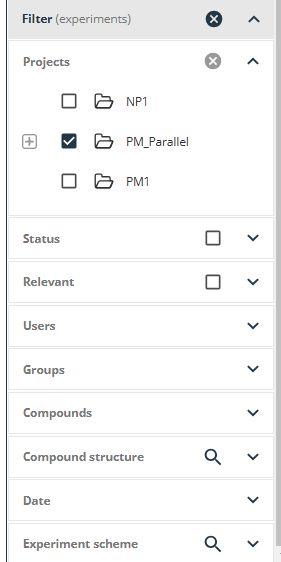
You can search by keywords, Hazard and CMR codes by using the left panel, and use the filters to restrict your results by project, status, users, groups, compounds, dates, experiments, etc.
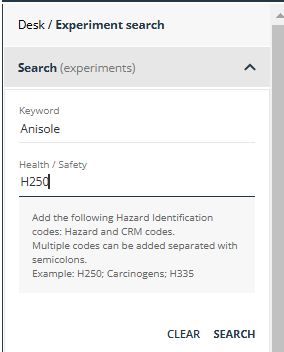
The experiment search menu can be un/collapsed by clicking on the arrow (located in the right upside corner). This collapsible contains a breadcrumb. The sections 'Search' and 'Filter' (can be also un/collapsed by clicking on the arrows next to each header):
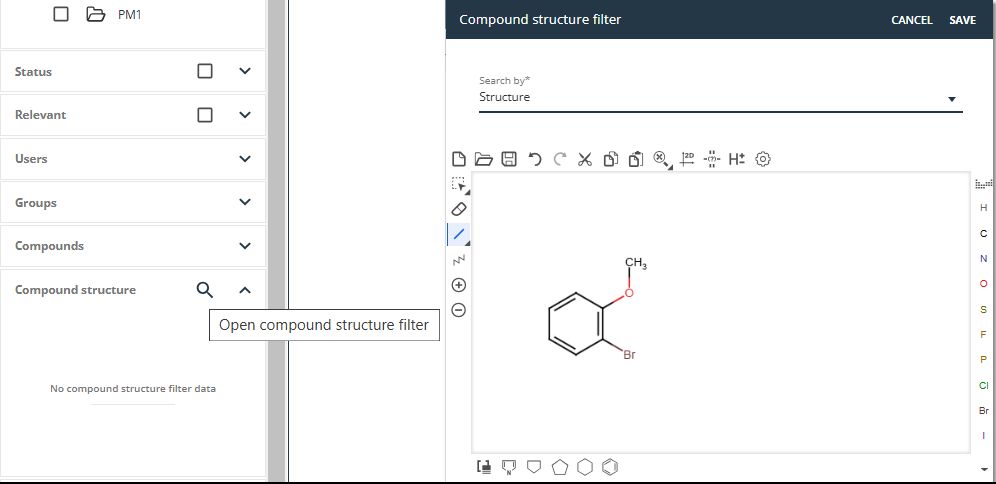
Search for any existing compound can be done just by clicking on the 'compound Structure' button and drawing the desired molecular structures of the participants:
Filtering the search by experiments schemes is also possible: